Be the facility families choose. With a character that talks.
Your official character's own AI supports parent-and-child visits, repeat visits, and dwell time — right there on the floor. For multilingual visiting families and foreign-rooted households too, with no new hires. From the childcare desk to culture facilities — staying true to its world, one job at a time.
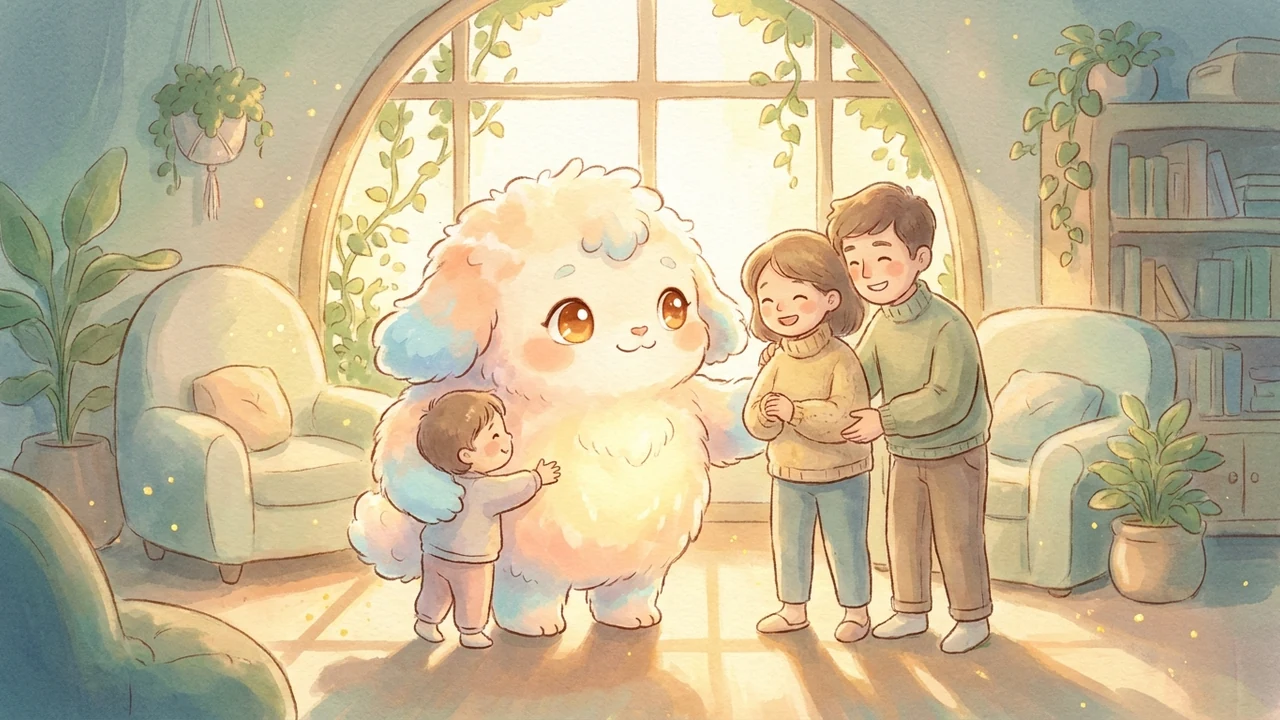











* Mascots shown are Lumisia reference art. The actual deployment uses your official character as-is.
Family-related metrics start to move
Specific lift values vary by facility size, existing flows, and language coverage. The kinds of metrics that move are listed below; we tune the design to your facility KPIs.
Repeat visits by families
Personal, one-of-a-kind conversations create the "I want to see that character again" that brings parents and children back.
Dwell time for parent and child
More touchpoints worth lingering over ripple naturally into merch, F&B, and photos.
Multilingual support, no new staff
For visiting families and foreign-rooted households alike — welcomed in your official character's voice, without growing your team.
Parents' voices, gathered gently
Consented conversation touchpoints become an asset for future childcare support and planning.
How family facilities are already using it
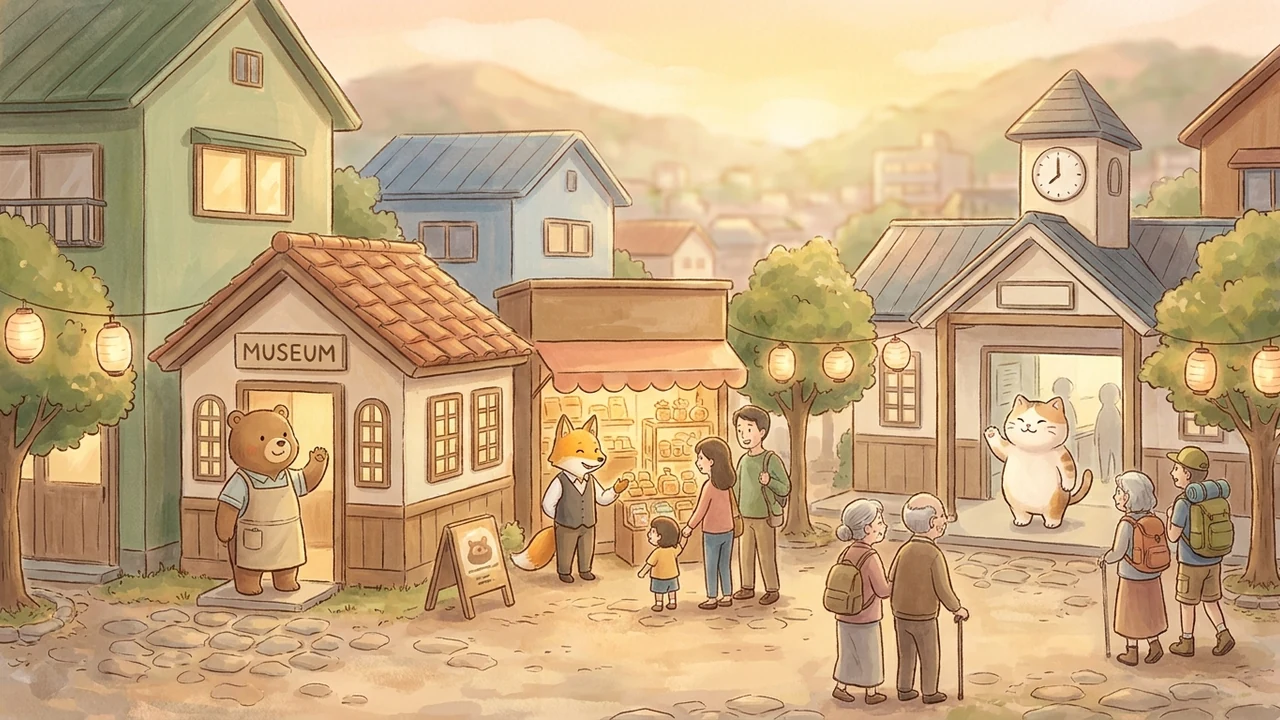

A "first-time" place that answers when you talk to it
From a QR at the front desk, your official character guides families through how to use the center, where the nursing room is, and today's events — in their own language. It gently eases a first-time parent's small worries.

Exhibits that answer a child's "why?"
In front of the exhibit, the character speaks at a child's eye level — "this one, you see…" — turning curious questions into something parent and child enjoy together.
Sea life and local childcare info, in their own words
From in front of the tank to the municipal childcare and tourism desk — every family can ask the character in their own language.
※ キャラクターは Lumisia の参考イメージです。実際は、いまの公式キャラクターのまま動作します。
The face families choose — without remaking it
Built on the safety-first design of lumisia.world — our family AI platform
No "AI-generated" character
We extend the existing character — never replace it. Canon and fan psychology stay intact.
Multilingual by default
Major inbound languages supported out of the box. Widen the range of families you can welcome without adding staff.
Safe even when a child speaks
Built on child-safe AI design principles: topic-level blocklists combined with operator-side review form a multi-layer safety design, included by default.
Try to trip it up. The character still holds.
On a real floor, visitors ask the unexpected — and sometimes throw a little mischief. Tap a button below to see how the character responds.
Give it a try
* Exchanges are illustrative examples of behavior. The mascot is Lumisia reference art; in production it runs as your official character as-is.
See the design by facility type
Frequently asked
Is it safe for children, and does it avoid soliciting personal information?
Built on child-safe AI design principles, it does not solicit personal information, does not engage inappropriate topics, and hands off to an adult when needed. No signup is required, and conversation logs are anonymized and used only to improve the facility. Raw logs are never handed to third parties.
Will the AI alter my character's personality or canon?
No. We design conversation around your existing canon, voice, and NG words. We do not "generate" a new character.
What about copyright of AI-generated text/images, and the license to use our existing character?
We don't rely on "new generation" that muddies rights ownership. The design calls on the official assets and official information you provide, used within your license scope, while respecting your existing canon and guidelines as-is.
Start with one character on one floor — without stopping anything you already run.
We don't touch your existing signage or front-desk system. The character runs entirely on the visitor's smartphone via an in-venue QR code. Pilot one character on one floor, then expand only where you see results.